



Lorven

Custom AI tools for film and TV teams. Scripts, storyboards, pitch decks, and the glue between them.

Lorven

We're Lorven. We build AI tools for the film teams that actually have to ship.

Get in touch
Get in touch

What we do

img901 / 04

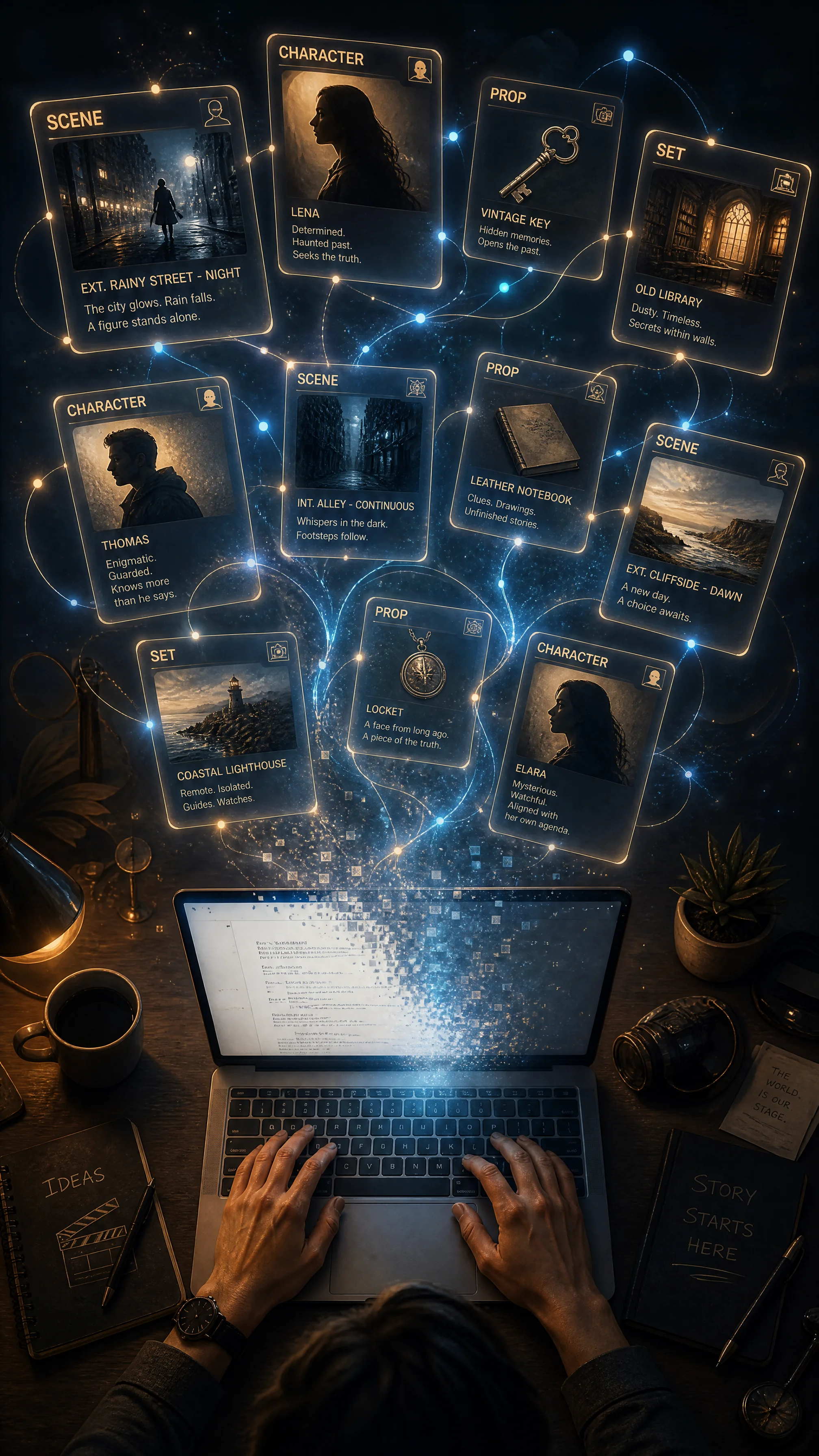
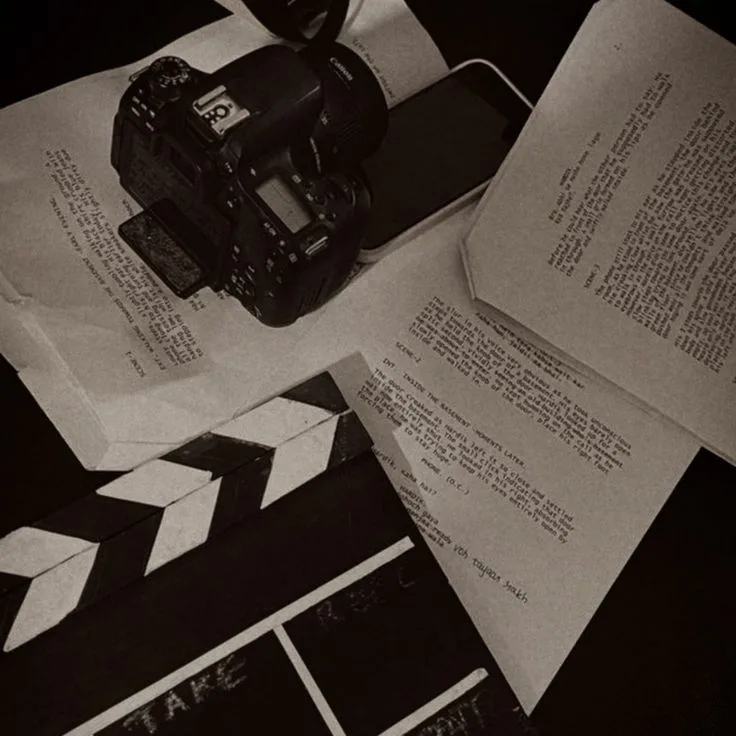
AI Script Writing

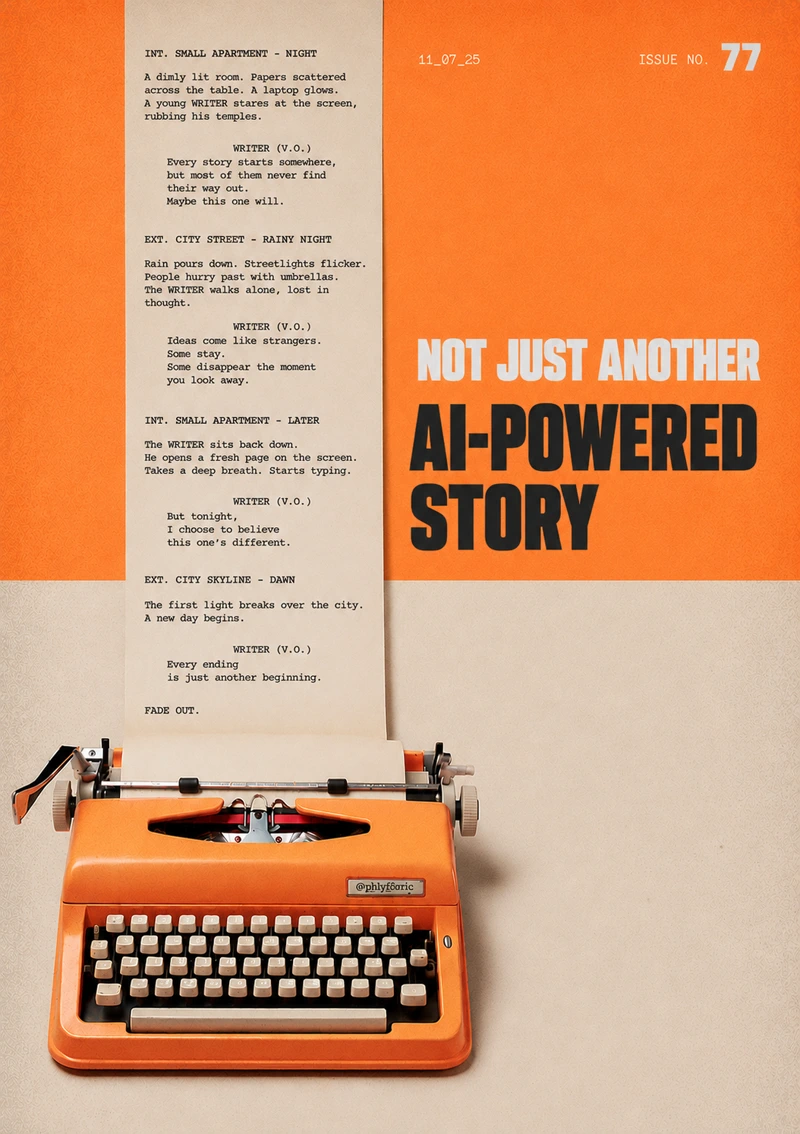
Start with a logline, treatment, character notes, or a rough idea. The system turns that into a structured screenplay draft with beats, scene flow, and dialogue you can review immediately. Share pages from earlier work and it can adapt the tone and rhythm so the draft feels closer to your voice from the first pass.

Structured draftsDialogue passesVoice adaptation

You can begin with a one-line concept, a treatment, character bios, or loose scene notes. The clearer your material is, the more accurately the draft reflects your story, but even early-stage ideas are enough to generate a usable first version.

The first output can cover the core story structure, scene progression, and dialogue draft so you are not starting from a blank page. It is designed to give writers and development teams something practical to shape, refine, and rewrite right away.

If you upload pages from previous scripts, the model studies your pacing, phrasing, and character voice. That helps the next draft feel more aligned with your creative style instead of sounding generic or over-automated.

img1002 / 04

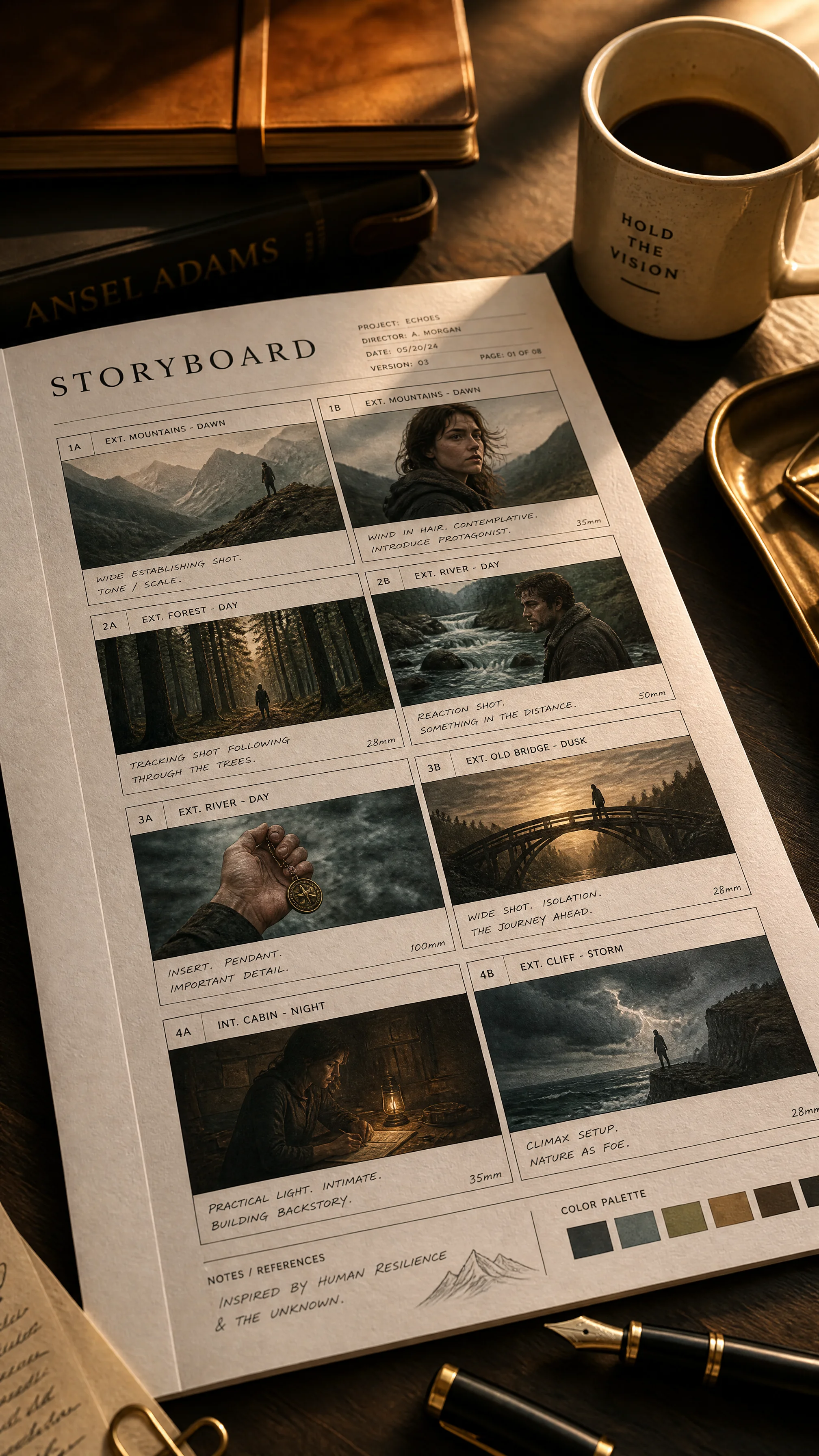
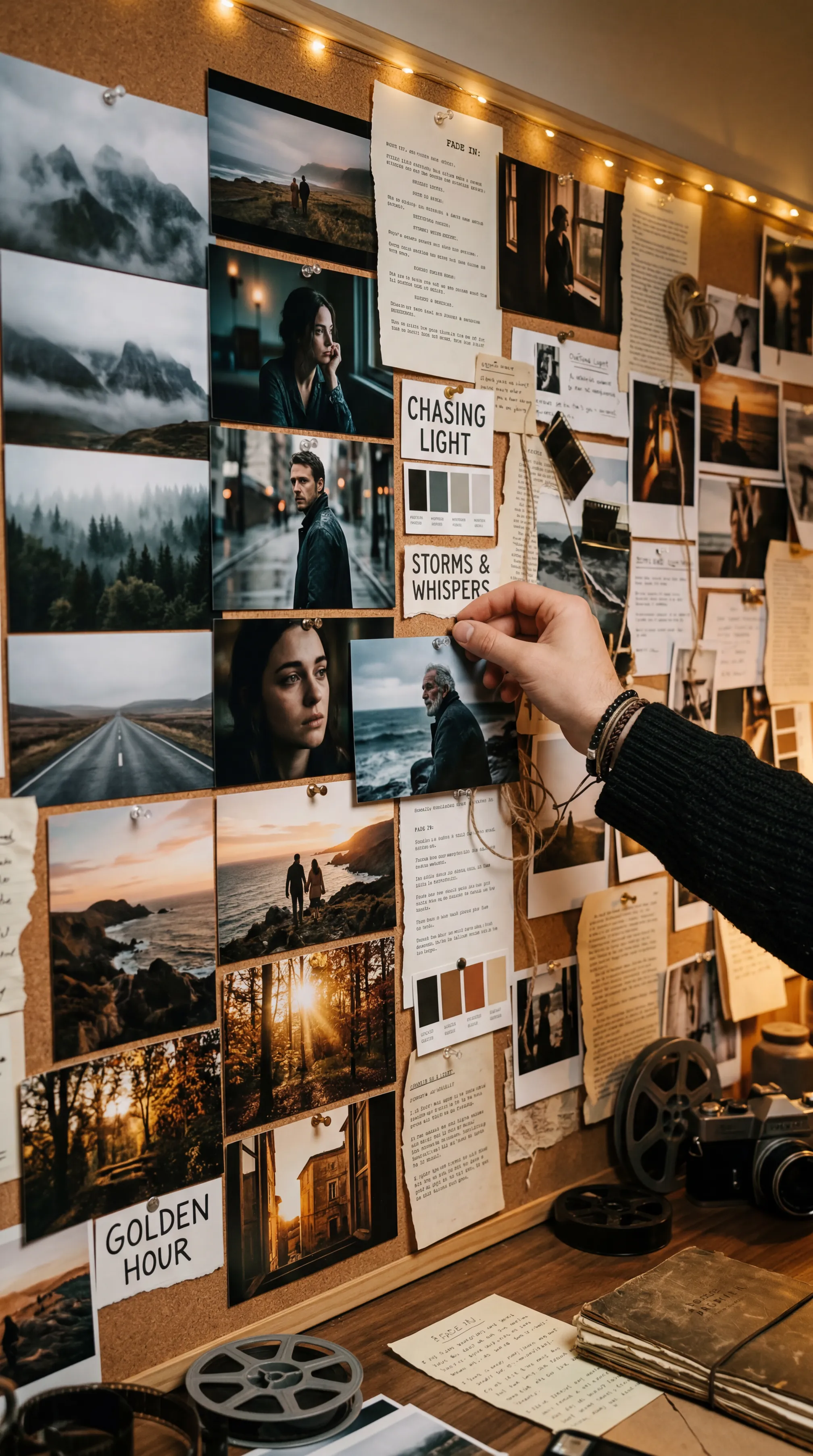
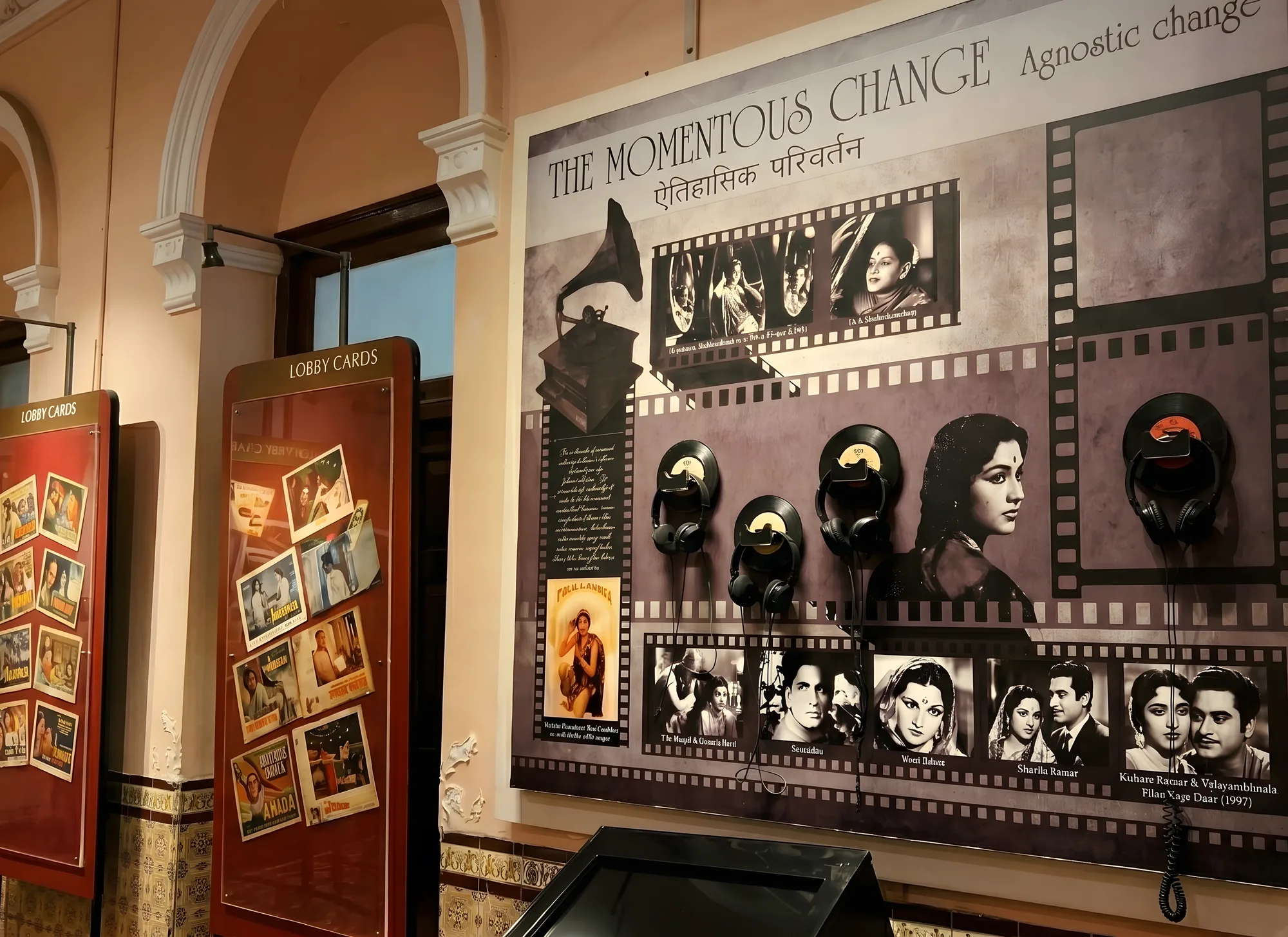
Story Visualization

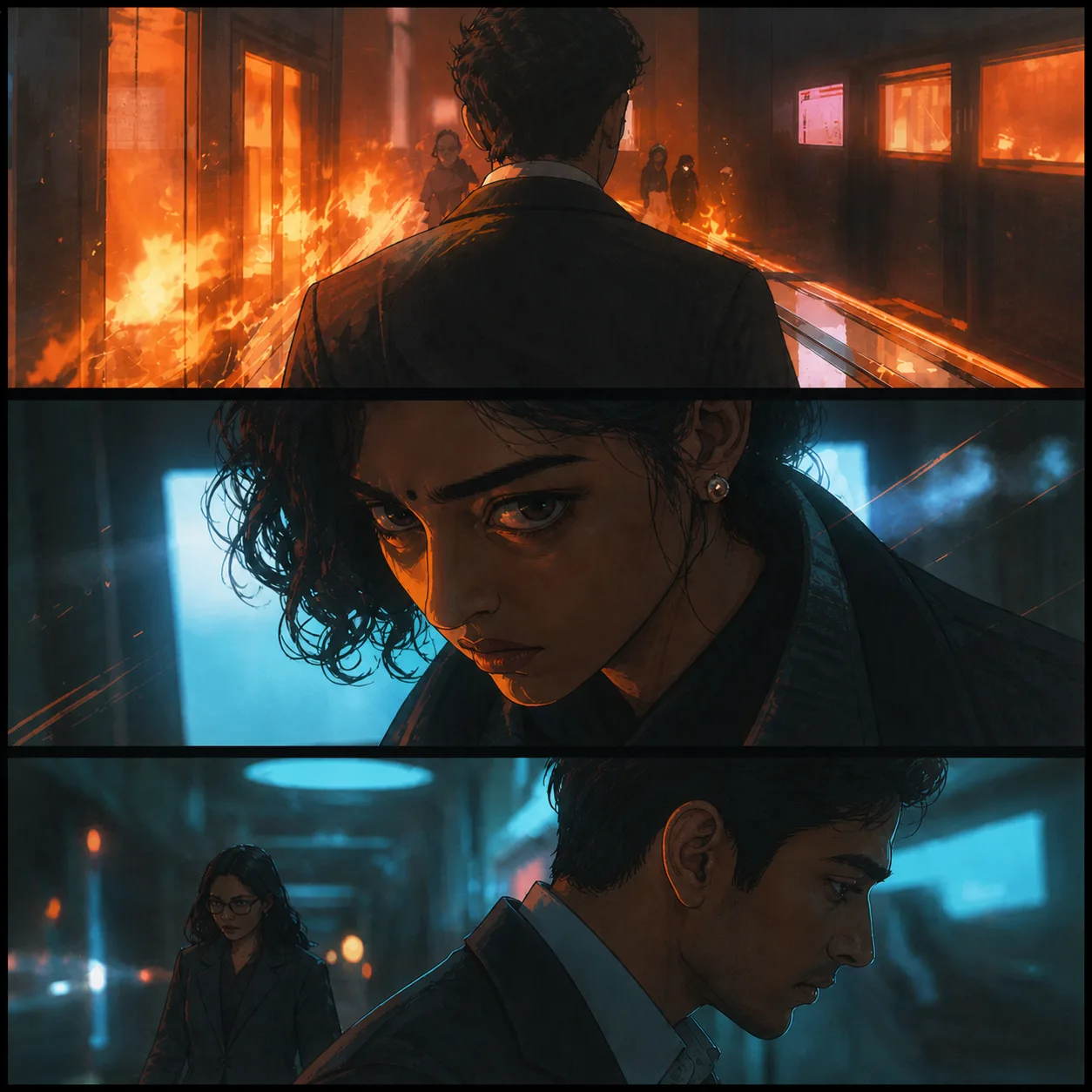
Describe a scene in plain language and turn it into visual references your team can react to quickly. The system generates storyboard-style frames, mood imagery, and shot ideas that help directors, cinematographers, and producers align before the shoot. It makes early visual decision-making faster, clearer, and easier to revise.

Storyboard framesVisual directionShot exploration

You can provide a short scene description, camera intention, emotional tone, location details, or visual references. Even a simple prompt is enough to begin, but adding atmosphere, blocking, or lighting direction helps the results feel more production-ready.

The output can include storyboard-like panels, mood frames, composition references, and alternate shot ideas. These visuals help the team discuss framing, tone, and scene coverage before time and budget are spent on set.

You can update lens feel, lighting mood, time of day, framing, or character positioning without restarting the process. That makes it easier to compare options and lock creative choices while the whole team is still in alignment.

Pitch Craft reference03 / 04

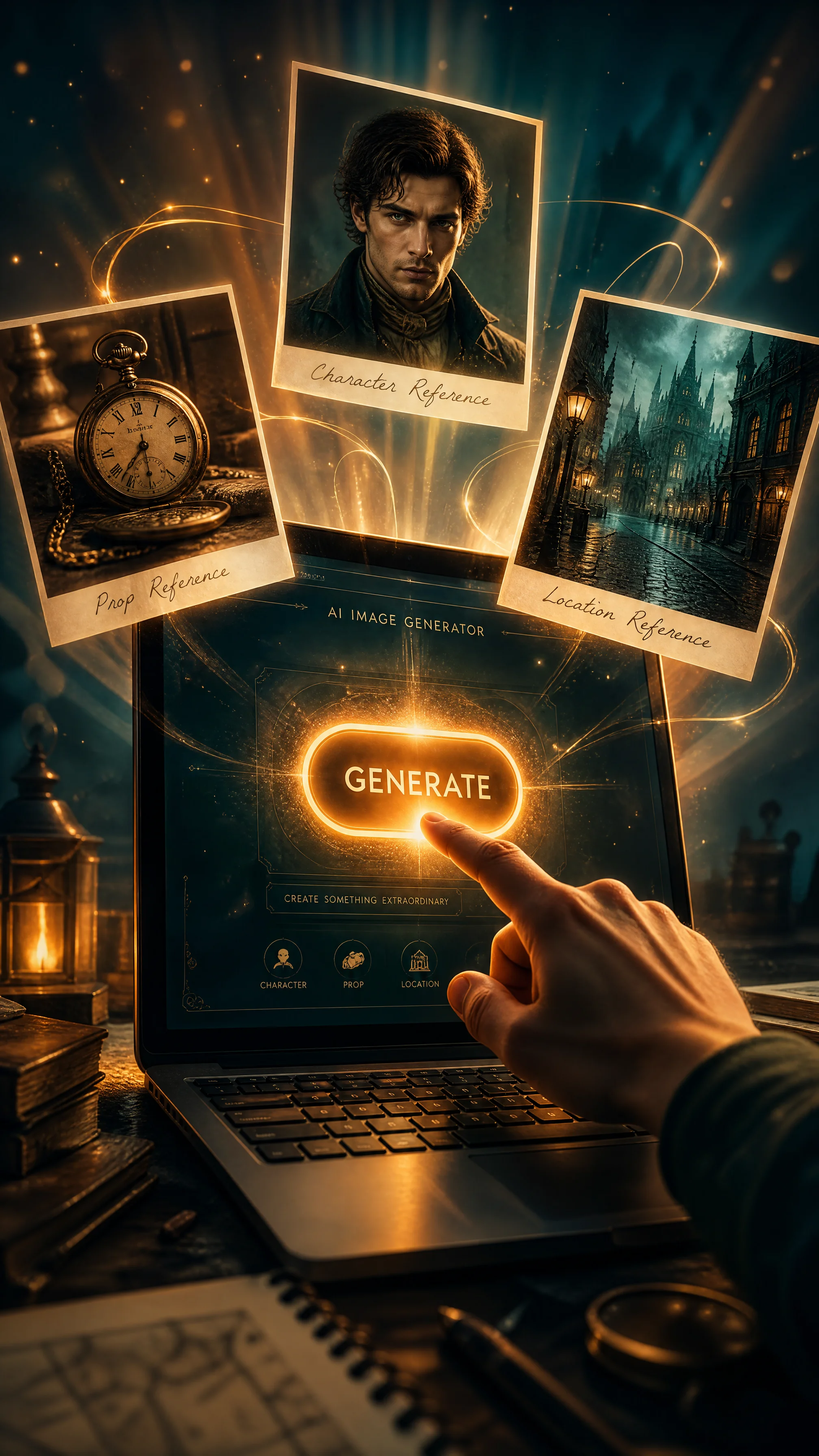
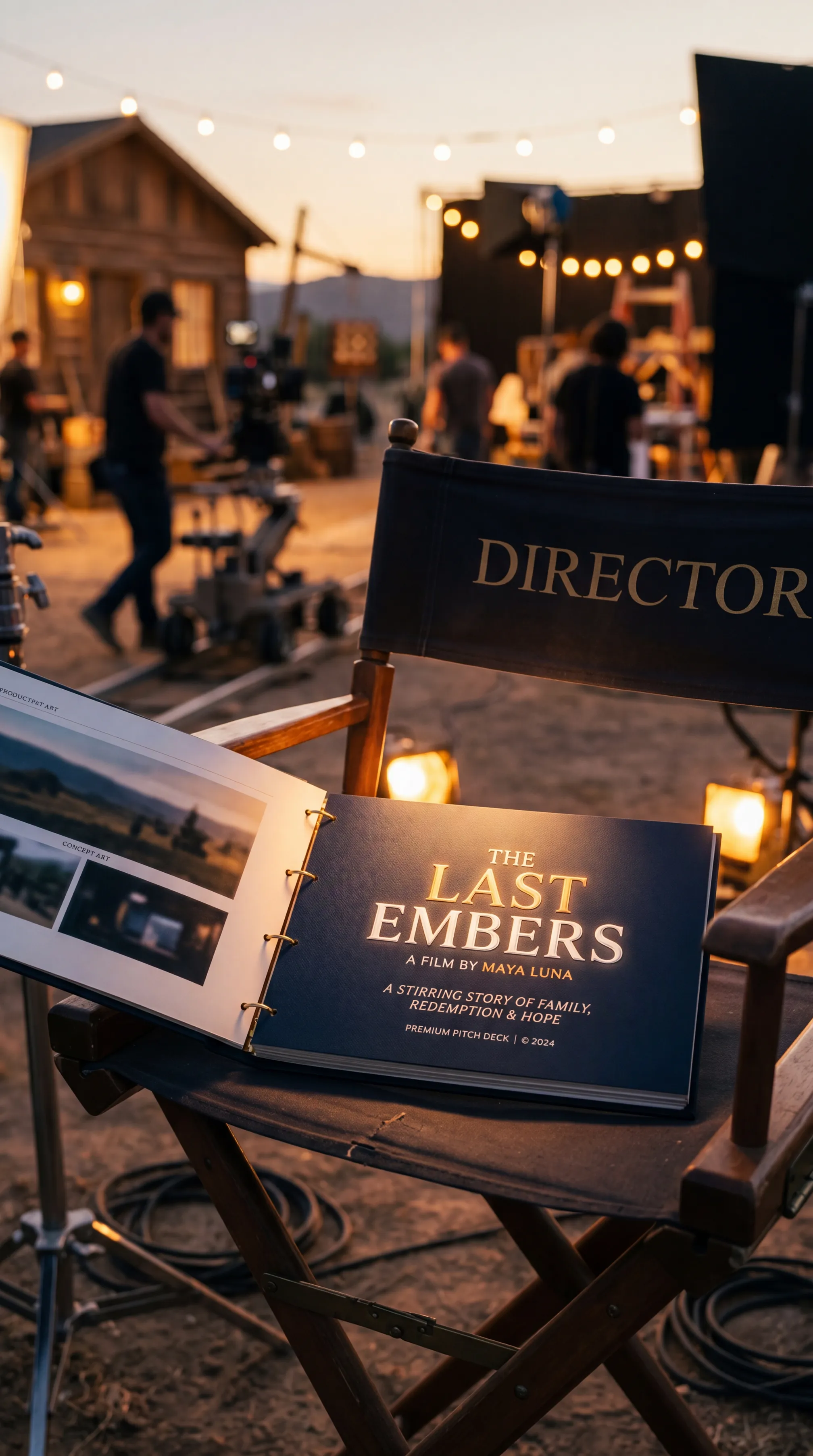
Pitch Craft

Turn your script, treatment, or concept package into a presentation that is easier to pitch with confidence. The system assembles the story materials, visual references, and positioning elements investors and partners need to understand the project quickly. Your team starts from a polished first version and refines it for the room.

Pitch structureMood boardsSynopsis support

You can start with a script, treatment, logline, character notes, reference images, or a rough concept package. The more context you provide, the stronger the deck becomes, but even early materials are enough to generate a useful first presentation.

The draft deck can include a sharpened logline, synopsis, visual mood direction, comparable titles, and audience-facing framing for the project. It is meant to give your team both a narrative structure and a visual starting point for the pitch.

Once the first version is generated, your team can edit the wording, swap visuals, and fine-tune the story emphasis for the intended buyer or financier. That final pass turns the deck into something presentation-ready without wasting days on formatting and blank slides.

img1604 / 04

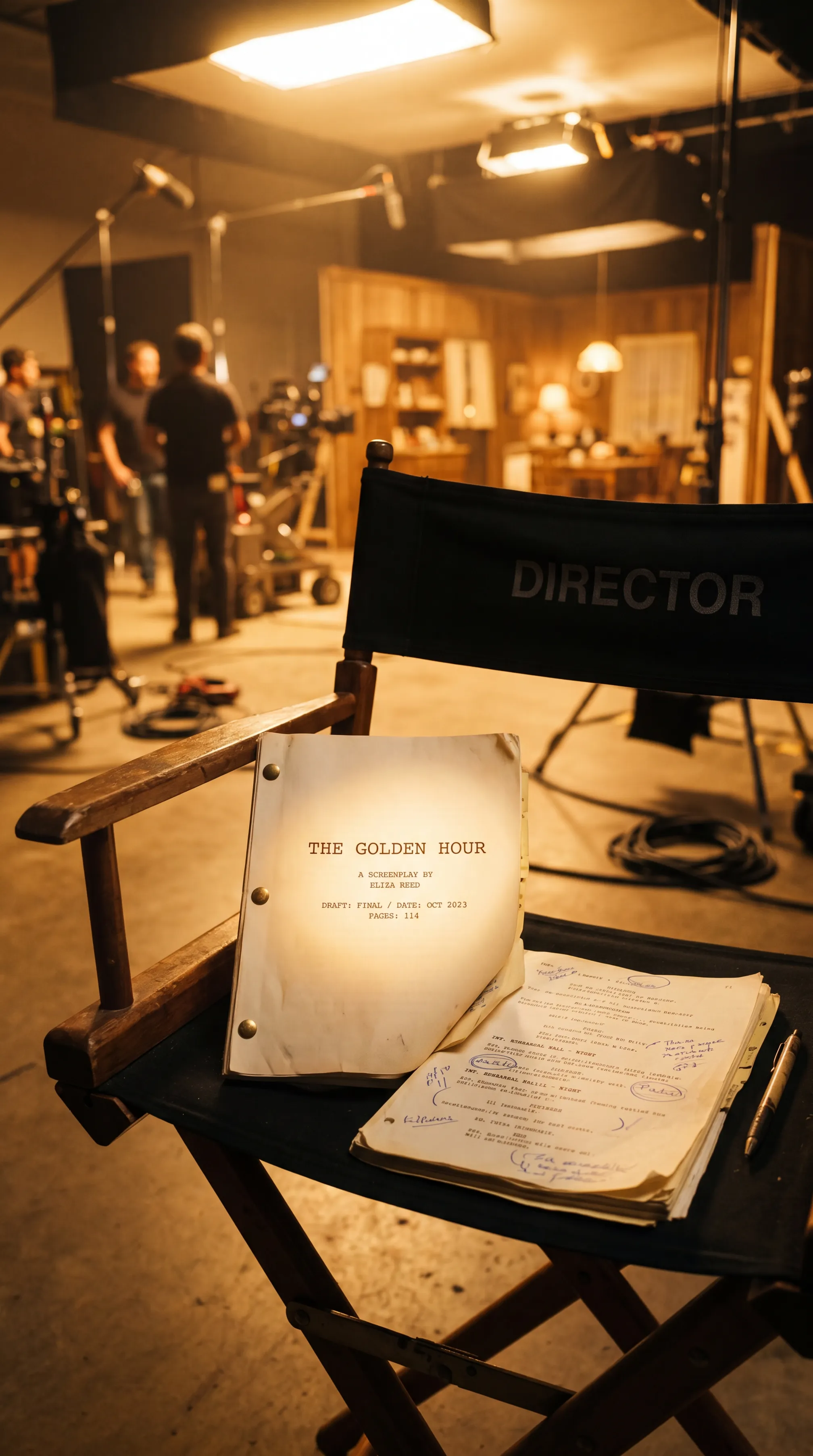
Production Workflows

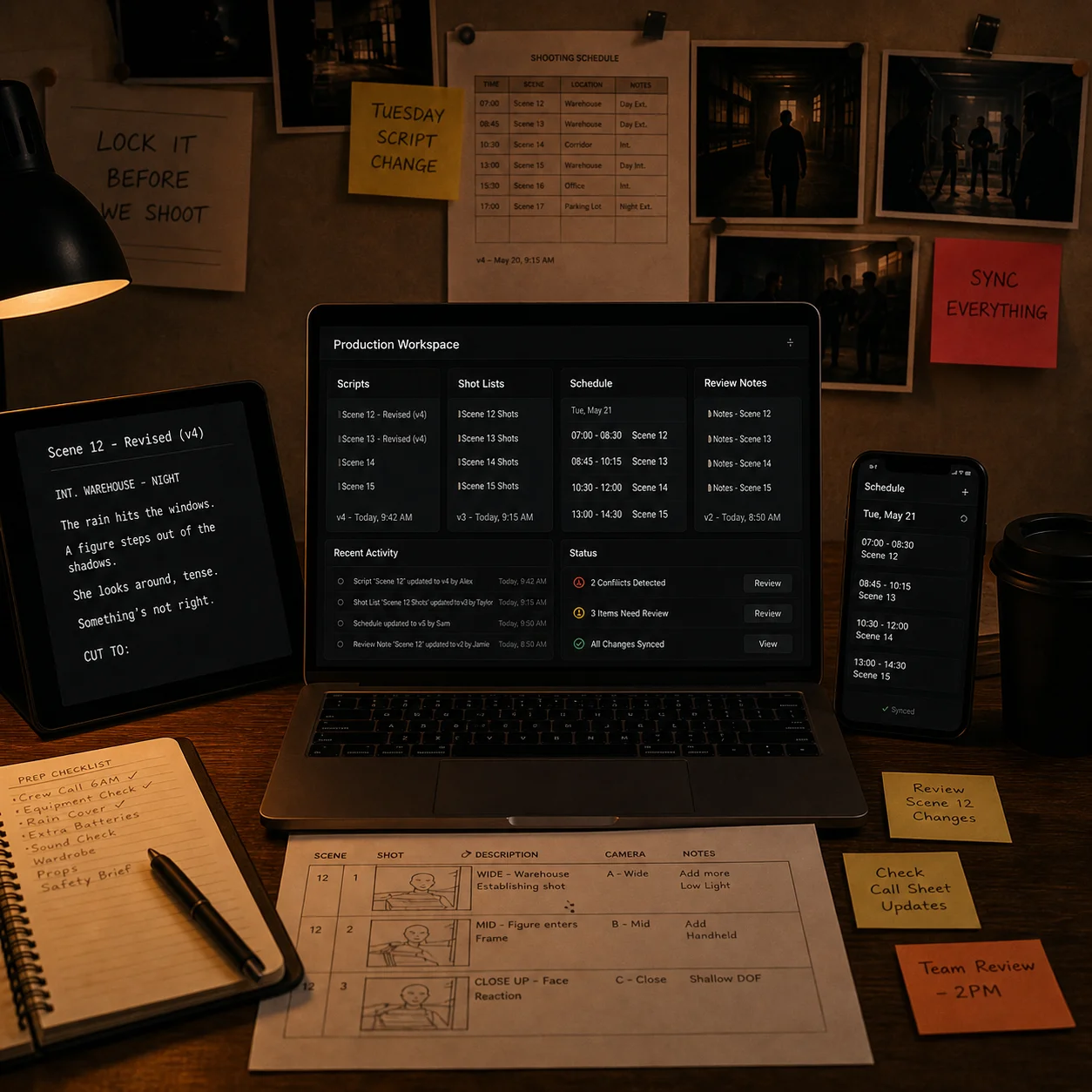
Production moves fast, and small version mismatches create expensive confusion. This workflow keeps scripts, schedules, shot lists, notes, and approvals connected so updates move across the pipeline instead of getting lost between tools. The result is a clearer operating view and fewer last-minute surprises on set.

Pipeline syncVersion controlRisk visibility

The workflow is built to sit around your existing production stack rather than replace it. Tools such as script platforms, scheduling systems, review spaces, and team workspaces can be connected so information stays linked across departments.

When a script page, schedule item, or review note is updated, the connected workflow can reflect that change across related documents and teams. This reduces manual follow-up and helps everyone work from the same current version.

The system highlights stale files, missing approvals, broken dependencies, and version conflicts before they hit the floor. That gives producers and coordinators time to fix issues early instead of discovering them during prep or on shoot day.

How it works

From Script to
Screen

One workflow. Every Lorven product follows it.

01 / 04
↑

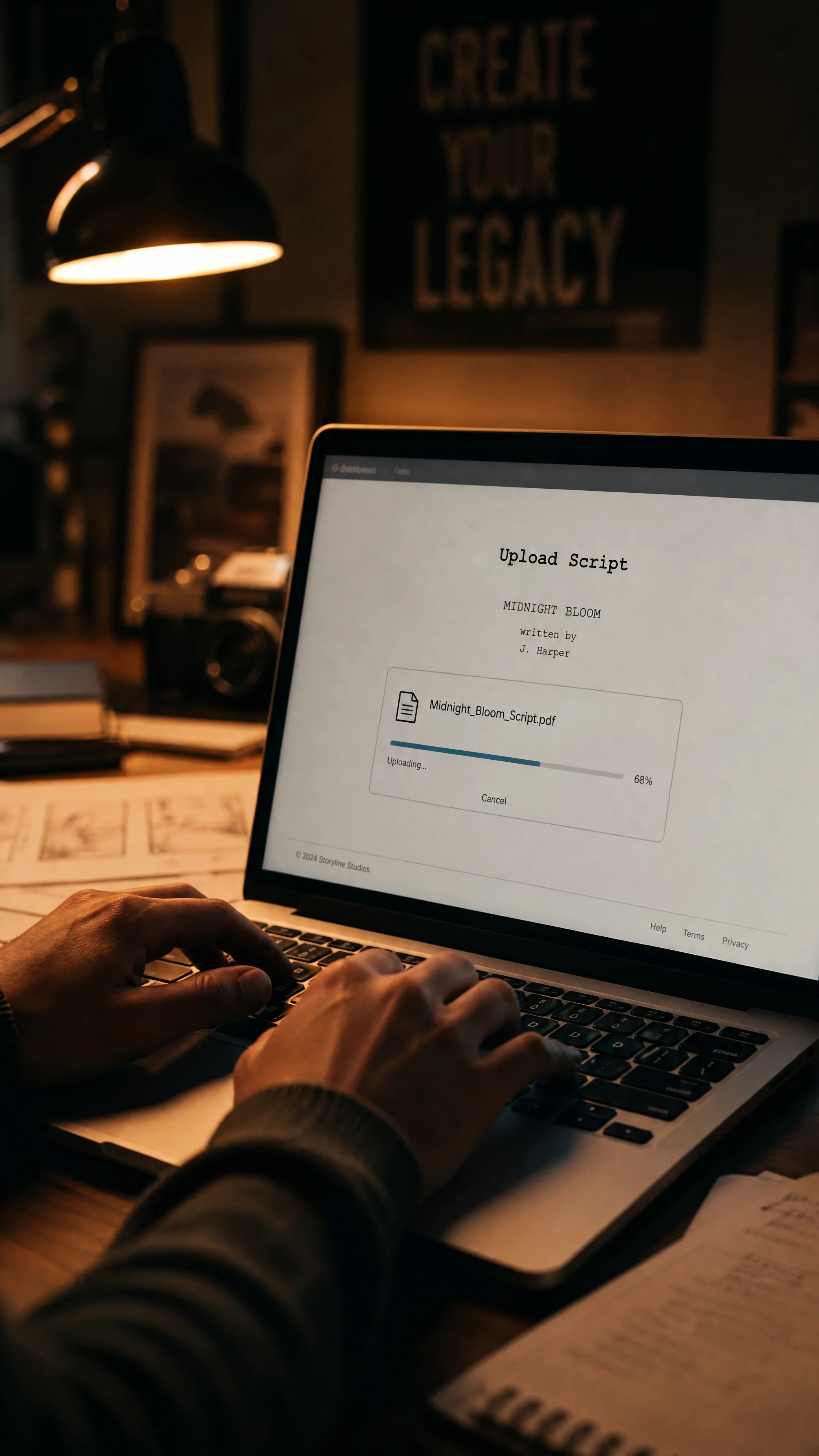
UPLOAD

Bring whatever you already have. A logline, a screenplay, a scene description, a production plan, or a pitch concept. Rough notes are fine too. The more context you share, the closer the first version feels to your voice.

02 / 04
✦

GENERATE

Lorven turns what you brought in into a real first version. A screenplay draft, storyboard frames, a connected workflow, or a pitch-ready deck. You start from something you can actually shape, not a blank page.

03 / 04
⟨⟩

REFINE

Shape the draft the way you want it. Adjust the tone, retake a frame, restructure a scene, swap references, or rewire a workflow step. Changes happen quickly, so your team stays in flow.

04 / 04
↗

DELIVER

Take the finished work into the next stage. Production, review, or the pitch room. It arrives polished, ready to use, and fits the way your studio already works.

Storyboards01 / 04

Cine Sketch

Auto-generate shot sketches for each scene with visuals informed by script tone and character emotion. Adjust angles, review characters, and regenerate any shot to match your creative vision.

Request a demo
Request a demo
Scripts02 / 04

Cine Scribe

A drafting tool for screenwriters. Hand it a logline, get a beat sheet. Hand it a beat, get a scene. You stay in charge of the rewrite. It just clears the blank page for you.

Get early access
Get early access
Decks03 / 04

Pitch Craft

Pitch decks for film and TV. Drop in your script plus a few reference images; it pulls comp titles, builds a mood board, and writes the logline and synopsis. The first draft takes an evening.

Get early access
Get early access
Workflows04 / 04

Cine Flow

A shared workspace for the production. Scripts, shot lists, schedules, and review notes. All linked, all versioned, all in sync. Your producer stops being the messenger between five different tools.

Get early access
Get early access

Answers

We've gone ahead and answered some of the questions you might have.

What does Lorven AI Studio provide?

Lorven AI Studio builds AI tools for film and television teams across writing, visualization, pitch development, and production workflow management. We offer both ready-to-use products and tailored solutions designed to fit a studio's existing creative and operational pipeline.

Which AI products and solutions do you offer?

Cine Sketch, for storyboards and visual references, is available now. Cine Scribe for script development, Pitch Craft for pitch decks, and Cine Flow for connected production workflows are in development and open for early access. We also develop custom tools when a team requires capabilities beyond our existing product set.

Do I need technical experience to use your tools?

No technical background is required. Our tools are designed for creative teams and can be used through simple, natural inputs such as scene descriptions, story notes, and project references, without the need for engineering expertise.

How can I get started with Lorven AI Studio?

You can get started by reaching out through our contact form. Once we hear from you, we schedule an initial conversation to understand your goals, review your workflow, and recommend the products or custom solutions that best fit your team.

About LorvenAI

The application operated by Lorven AI Studio LLP at lorvenaistudio.com.

01

What it is

LorvenAI gives film and television teams a set of AI tools for pre-production. Cine Sketch, the product available today, reads a screenplay and generates a storyboard from it: shot sketches of the scenes, characters and locations in the script, which a director uses to plan coverage before a shoot. Cine Scribe, Pitch Craft and Cine Flow cover script development, pitch materials and production workflow, and are in development.

02

How we use Google services

Signing in with Google is offered so that a user can create and access their LorvenAI account. We use it to identify the account holder and for no other purpose. We do not use Google user data for advertising, we do not sell it, and we do not use it to train any model. What we collect and how long we keep it is set out in our Privacy Policy.

03

AI-generated imagery

Cine Sketch uses generative AI, including Google services, to produce storyboard frames from a screenplay. The imagery it creates is production planning material: scene compositions, camera framing and character blocking for a film or television project.

LorvenAI does not use Google APIs, or any other service, to create AI-generated non-consensual intimate imagery (NCII).

Our Terms and Conditions prohibit using our products to generate sexual or intimate imagery of any person, and to generate imagery depicting a real person without their consent. We act on reports of either, and accounts found doing so are terminated.

Let's talk!

Office:

Lorven AI Studio
House No: 8-2-293/K/132, 133,
Kamalapuri Colony, Srinagar Colony,
Hyderabad, Telangana 500073

Email:

info@lorvenaistudio.com
Submit